Case study · Data visualization
Simplifying funding for renewable-energy projects
Simplifying funding for renewable-energy projects
Simplifying funding for renewable-energy projects

I designed a digital monitoring, evaluation and learning (MEL) platform to manage the application, evaluation, disbursement and monitoring of funds for solar home system projects in Rwanda, funded by the Development Bank of Rwanda.
I designed a digital monitoring, evaluation and learning (MEL) platform to manage the application, evaluation, disbursement and monitoring of funds for solar home system projects in Rwanda, funded by the Development Bank of Rwanda.
My Role
UI/UX Designer
UI/UX Designer
Company
Determinas Technologies & Development Bank of Rwanda
Determinas Technologies & Development Bank of Rwanda
Product
BRD MEL Tool
BRD MEL Tool
Company
Determinas Technologies & Development Bank of Rwanda
Product
BRD MEL Tool
01 · Overview
01 · Overview
The BRD MEL Tool is a digital management and evaluation platform designed to streamline the
monitoring, evaluation and management of solar home system projects funded by the Development Bank of Rwanda. The platform brings together several previously complex and separately managed operations
The BRD MEL Tool is a digital management and evaluation platform designed to streamline the monitoring, evaluation and management of solar home system projects funded by the Development Bank of Rwanda. The platform brings together several previously complex and separately managed operations
Application → Disbursement → Reporting → Review → Approval → Monitoring
Application → Disbursement → Reporting → Review → Approval → Monitoring
It serves two Primary groups:
It serves two Primary groups:
01
Direct Beneficiaries (DBs)
Direct Beneficiaries (DBs)
Organisations applying for funding, requesting disbursements and submitting reports.
02
Project Implementation Unit (PIU) Officers
Project Implementation Unit (PIU) Officers
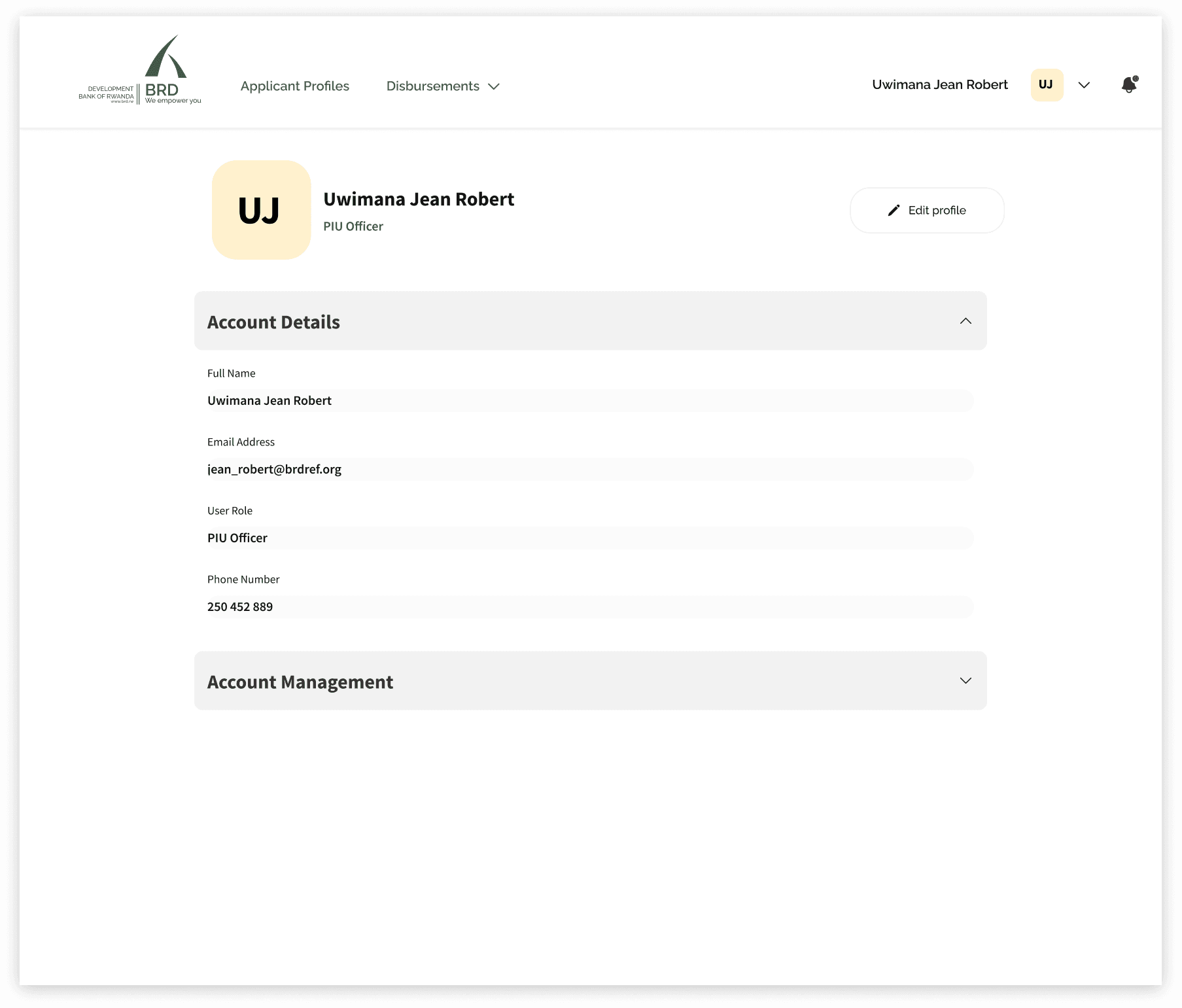
Employees of BRD responsible for reviewing applications, managing requests, validating reports and monitoring submissions.

02 · The Challenge
The challenge was to make the complexity visible enough to manage, but never so visible that it overwhelmed the person doing the work.
The challenge was to make the complexity visible enough to manage, but never so visible that it overwhelmed the person doing the work.
The product needed to give users confidence about:
The product needed to give users confidence about:
01
What do I need to do?
02
What information do I need?
03
Where am I in the process?
04
If something is wrong, how do I fix it?
03 · My Design focus
Mapping the core workflow
Mapping the core workflow
Mapping the core workflow
Direct Beneficiaries (DBs)
Direct Beneficiaries (DBs)
01
01
Application
Application
Application
The beneficiary selects an appropriate funding window, reviews its eligibility criteria and required documents, before applying for a loan
The beneficiary selects an appropriate funding window, reviews its eligibility criteria and required documents, before applying for a loan
02
02
Disbursement
Disbursement
After the loan is approved, the beneficiary can create a disbursement request.
After the loan is approved, the beneficiary can create a disbursement request.
03
Reporting
The beneficiary submits the appropriate report about how the funds were utilized.
The beneficiary submits the appropriate report about how the funds were utilized.
04
Monitoring
After every submission, the system provides updates on applications, disbursement requests and reports statuses so beneficiaries can track them.
After every submission, the system provides updates on applications, disbursement requests and reports statuses so beneficiaries can track them.
03
Reporting
The beneficiary submits the appropriate report about how the funds were utilized.
04
Monitoring
After every submission, the system provides updates on applications, disbursement requests and reports statuses so beneficiaries can track them.
PIU Officers
PIU Officers
PIU Officers
01
Review
Review
Review
The officer reviews applications, supporting documents and submitted information to determine whether each request is complete and eligible.
The officer reviews applications, supporting documents and submitted information to determine whether each request is complete and eligible.
02
Validate
Validate
Validate
The officer checks submitted data for accuracy, identifies missing or inconsistent information, and requests corrections where necessary.
The officer checks submitted data for accuracy, identifies missing or inconsistent information, and requests corrections where necessary.
03
Approve/Reject
After evaluating the submission, the officer approves it or rejects it with a clear reason and the required next steps.
After evaluating the submission, the officer approves it or rejects it with a clear reason and the required next steps.
04
Communicate
The officer sends decisions, feedback and supporting attachments within the relevant application, disbursement request or report.
The officer sends decisions, feedback and supporting attachments within the relevant application, disbursement request or report.
03
Approve/Reject
After evaluating the submission, the officer approves it or rejects it with a clear reason and the required next steps.
04
Communicate
The officer sends decisions, feedback and supporting attachments within the relevant application, disbursement request or report.

04 · My Role
Designed through collaboration
Designed through collaboration
Designed through collaboration
As one of two UI/UX Designers on the project, I was responsible for designing the PIU officers experience end-to-end.
My work covered:
My work covered:
My work covered:
User flows
Information architecture
UI Design
Collaboration with product & engineering teams.
05 · working with engineering
Design decisions needed to account for technical realities
Design decisions needed to account for technical realities
Design decisions needed to account for technical realities
The MEL Tool was implemented as a web client/mobile-web experience with a frontend, backend, database, email services and business-intelligence layer.
The MEL Tool was implemented as a web client/mobile-web experience with a frontend, backend, database, email services and business-intelligence layer.
The technical documentation describes a frontend communicating with the backend through REST APIs, with SQL-based data storage and Power BI used for analytics.
The technical documentation describes a frontend communicating with the backend through REST APIs, with SQL-based data storage and Power BI used for analytics.
Rather than designing in isolation, I considered:
01
What states can the system return?
02
What happens when something fails?
03
What does the user need to do next?
04
How will this interaction behave across different states?
This helped create designs that could move from Figma into implementation without losing the intended user experience.
This helped create designs that could move from Figma into implementation without losing the intended user experience.
06 · outcome
The result was not a collection of forms and dashboards.
The result was not a collection of forms and dashboards.
The result was not a collection of forms and dashboards.
It was one connected workflow for applying, accessing funds, reporting activity, resolving issues and tracking decisions—while giving BRD and PIU teams the structure to review, communicate and monitor responsibly.
It was one connected workflow for applying, accessing funds, reporting activity, resolving issues and tracking decisions—while giving BRD and PIU teams the structure to review, communicate and monitor responsibly.
For Beneficiaries
One place to apply, submit documents, request disbursements, validate reports and understand every status.
One place to apply, submit documents, request disbursements, validate reports and understand every status.
FOR PIU Officers
A structured way to find work, review evidence, make decisions, explain outcomes and monitor programme activity.
A structured way to find work, review evidence, make decisions, explain outcomes and monitor programme activity.
FOR PIU Officers
A structured way to find work, review evidence, make decisions, explain outcomes and monitor programme activity.


07 · what i learned
The most valuable design work isn't always the most visually impressive screen.
The most valuable design work isn't always the most visually impressive screen.
The most valuable design work isn't always the most visually impressive screen.
In a product like this, the user's biggest question is often:
“What happens next?”
“What happens next?”
“What happens next?”
Every workflow therefore needs to communicate progress, requirements, status and next actions clearly
Every workflow therefore needs to communicate progress, requirements, status and next actions clearly
Good forms are designed around decisions, not fields.
The better approach to forms, especially long ones is to group information according to the user's mental model and guide them through the process progressively.
The better approach to forms, especially long ones is to group information according to the user's mental model and guide them through the process progressively.
Validation should be part of the journey.
When users work with structured spreadsheets, errors are inevitable. Good UX should always provide a way forward for the user.
When users work with structured spreadsheets, errors are inevitable. Good UX should always provide a way forward for the user.
Enterprise products need different experiences for different responsibilities.
Role-based experiences allow each user to focus on the work they actually need to accomplish.
Role-based experiences allow each user to focus on the work they actually need to accomplish.
Have a complex workflow
that needs clarity?
Have a complex workflow
that needs clarity?
Have a complex workflow
that needs clarity?